What am I doing today?
Always Today is a calm to-do list that answers that one question every morning. Your lists live on your device, work offline and open at once, and they sync across your phone, your computer and your terminal when you want them to.
See how it works Free on one device
Coming soon. Always Today is in its last round of testing, for Android phones and Googlebooks, Windows, Mac and the Linux terminal. iPhone and iPad are on the way.
Today
Your day
This evening
Clear. Go outside.
Quiet, quick, and yours
Today, Upcoming, Anytime, Someday and a Logbook; areas and projects with headings; repeats that never double up; reminders. And three things that make it different.
-
Your lists live on your device
Everything works offline and opens at once, because each device keeps its own full copy. On one device you don't need an account at all.
Sign in with just your email to sync. A change reaches your other devices when they next open, or within a few minutes while they're open, and two devices editing different parts of the same to-do both keep their changes.
-
Type it the way you'd say it
- call bank tomorrow 3pm #admincall bankTomorrow15:00#admin
- pay rent every 3 months on the 1stpay rentEvery 3 months, on the 1st
- report due friday 5pmreport17:00Deadline Friday
- dentist on friday at 9:30dentistFriday09:30
It shows what it understood as you type, before you press Enter. Dates are British, day first.
-
It knows your day, nobody else does
- Optional end-to-end encryption: your devices lock every change with a passphrase only you know, so the server keeps only what it can't read
- No ads, no analytics, no tracking, by design rather than by promise
- Bring your lists from Things, Todoist or TickTick, and export everything as a file at any time
One list on every screen you have
The same lists and the same keys everywhere, so what your hands learn on one device works on the next.
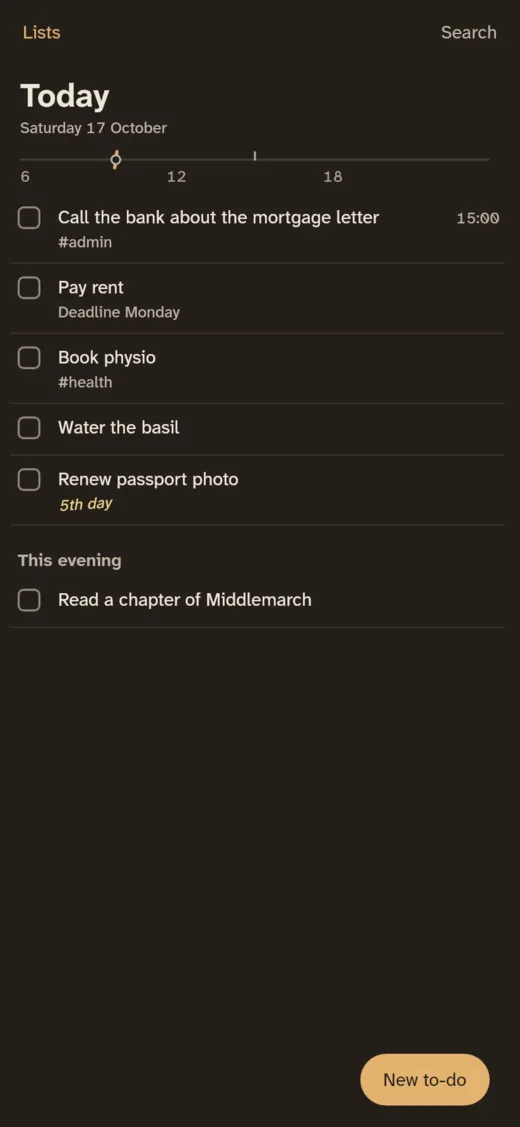
Android phone
A home-screen widget, reminders, and sharing from any app. Say a few to-dos one after another and the phone writes them down, understood on the phone itself.
On Google Play, coming soon
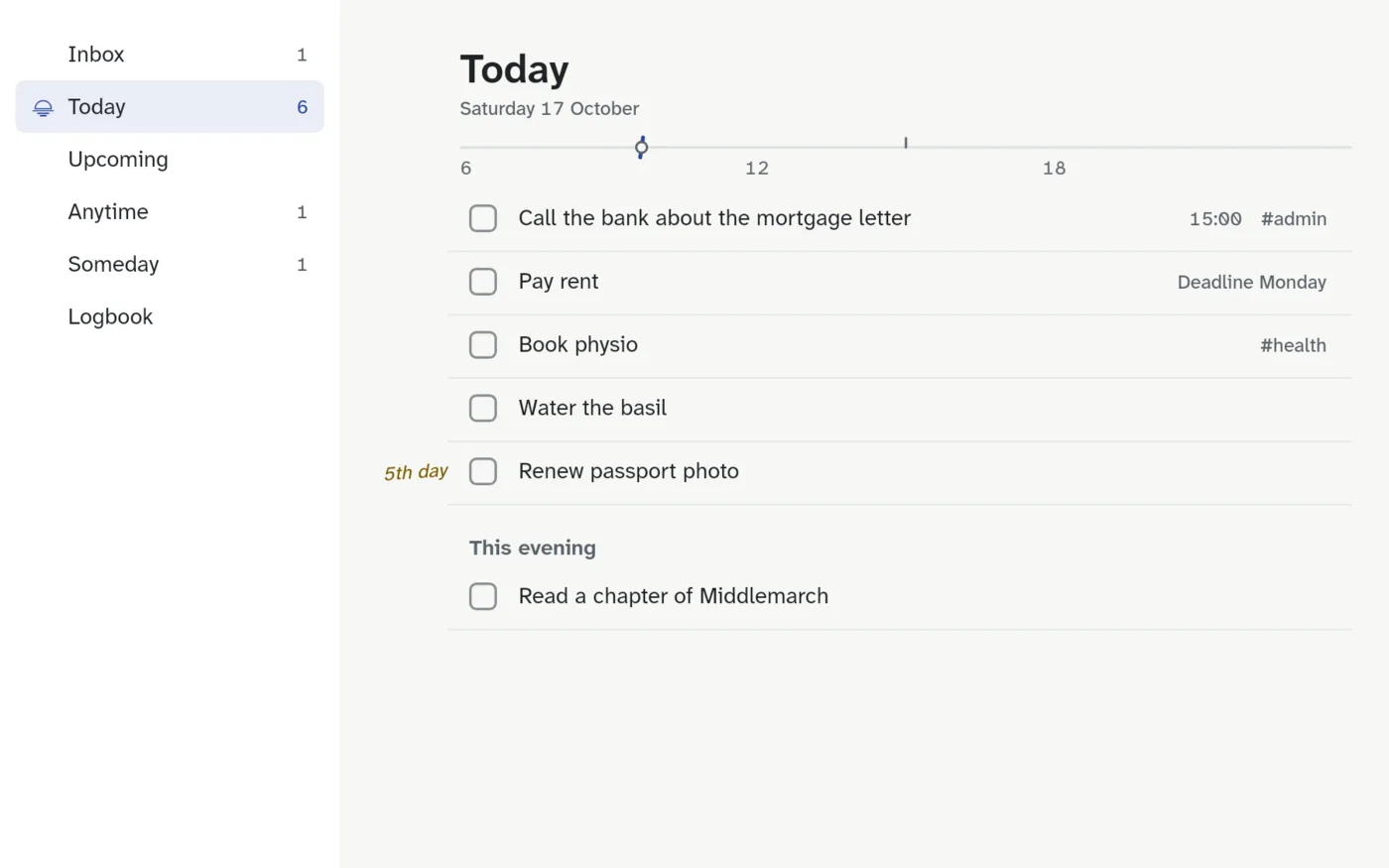
Googlebook
On a Googlebook it behaves like a desktop app: two panes, keyboard shortcuts, right-click menus and a window you can resize.
On Google Play, coming soon
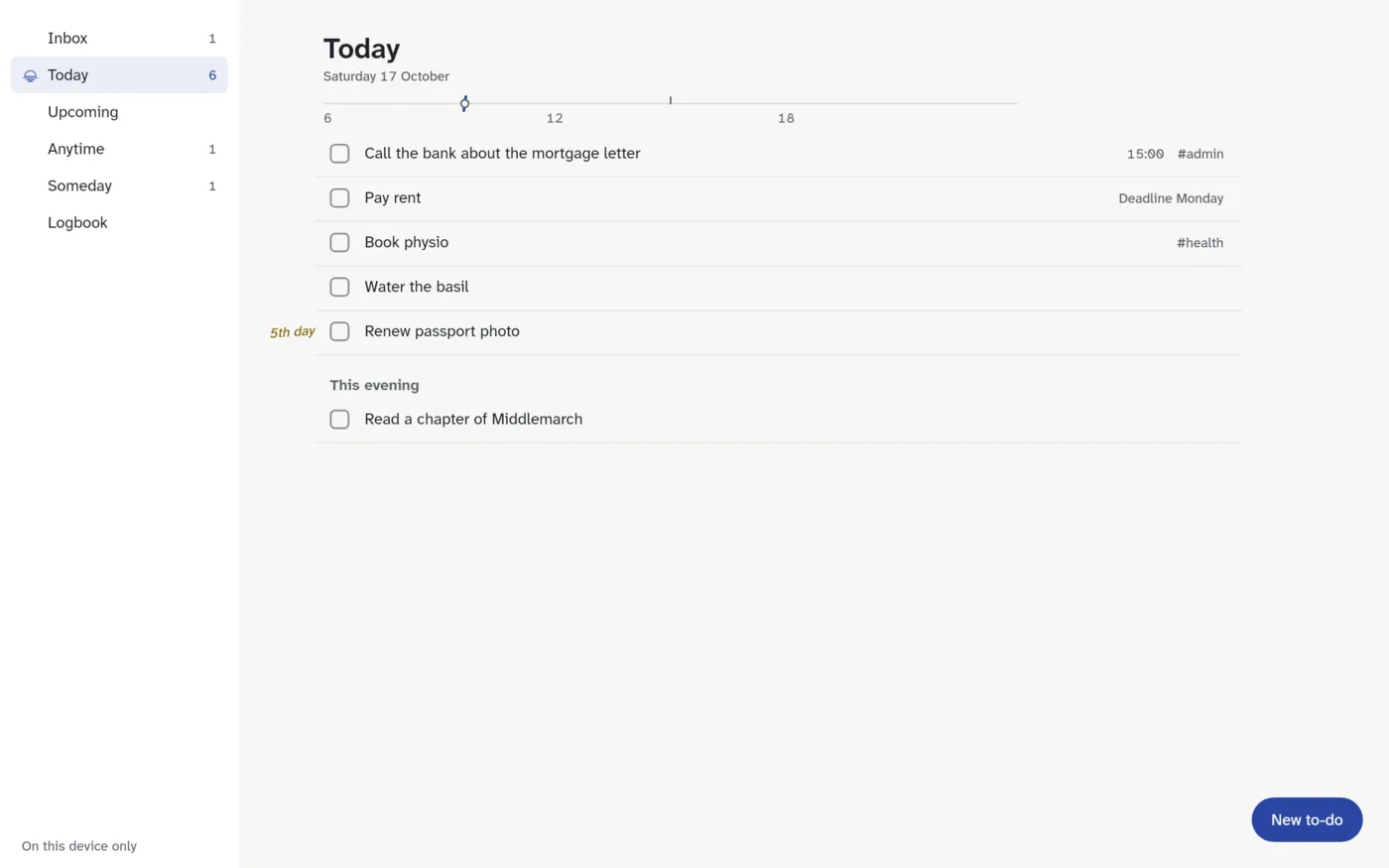
Windows PC
A shortcut that works anywhere, Ctrl Alt Space, opens quick entry, and the tray icon keeps it a click away.
Windows installer, coming soon
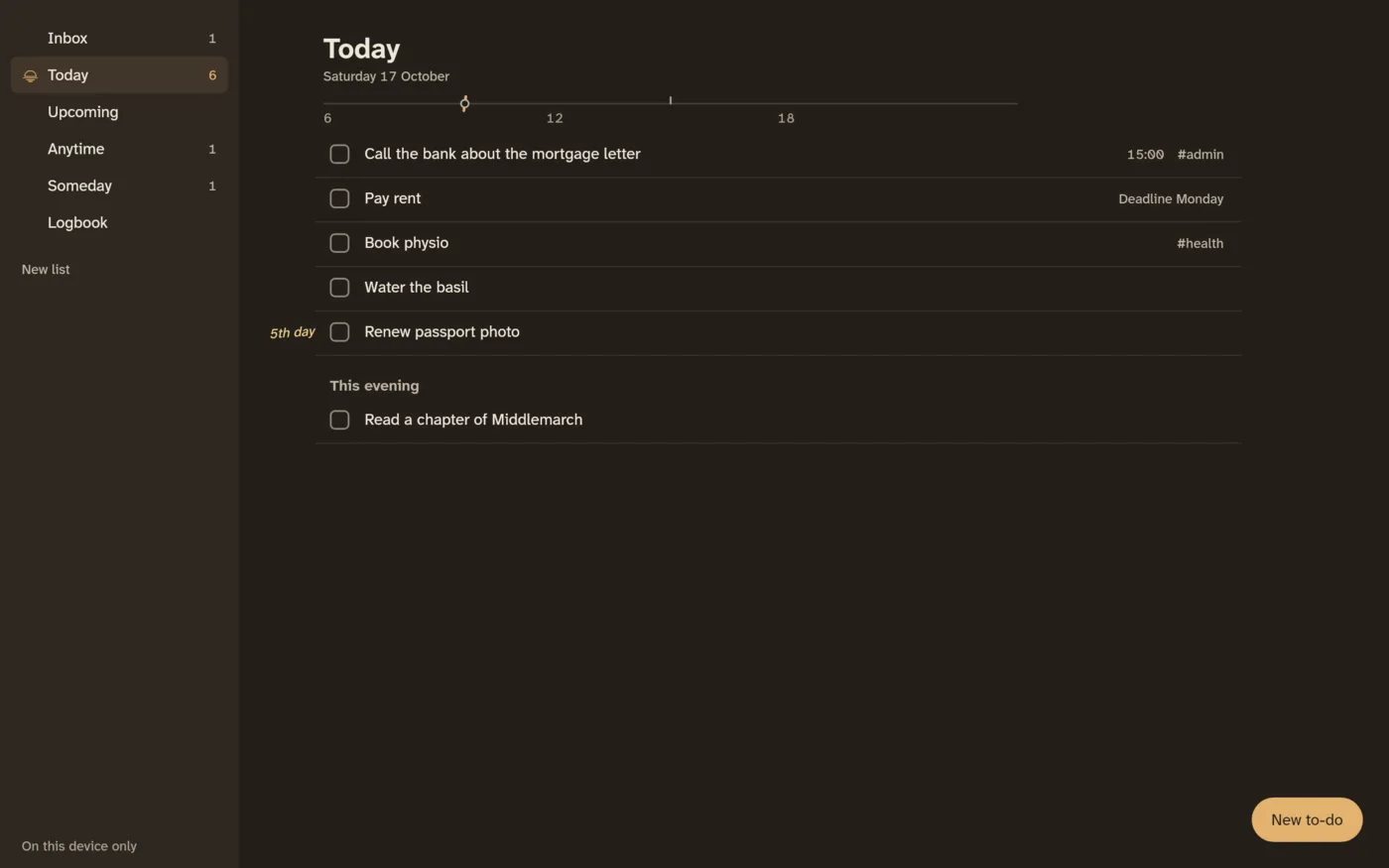
Mac
Close the window and it waits in the menu bar, with quick entry a click away. For Macs with Apple silicon.
Mac download, coming soon
╭─ Lists ────────────╮╭─ Today ────────────────────────────────────────────────╮
│  Inbox           1 ││ Saturday 17 October                                    │
│ ▌Today           5 ││ ───────────────○────────────────────────────────────── │
│  Upcoming          ││                                                        │
│  Anytime           ││ ▌       [ ] Call the bank about the mortgage letter    │
│  Someday           ││         [ ] Pay rent                   due Mon 19 Oct  │
│  Logbook           ││         [ ] Book physio                  1/2  #health  │
│                    ││ 4th day [ ] Renew passport photo                       │
│  Home              ││                                                        │
│    Kitchen refit   ││ This evening                                           │
│  Work              ││         [ ] Read a chapter of Middlemarch              │
╰────────────────────╯╰────────────────────────────────────────────────────────╯
 ? keys   / search   : command   o add   x complete         On this device only
Linux terminal, made on Omarchy
A fast native app that starts at once and takes your terminal's colours. Keys feel like Vim. The same program adds to-dos from scripts, puts Today in your bar and opens a one-line capture prompt.
Arch Linux package, coming soon
iPhone and iPad are on the way.
Free on one device, for ever
Every feature, with no account. You pay only to sync between devices, and one plan covers every device you sign in on.
| Free | Every feature on one device. No account needed | £0 |
|---|---|---|
| Sync, yearly | Your lists on every device you sign in on | £24 a year |
| Sync, monthly | The same sync, paid month by month | £3 a month |
| Lifetime | Sync for as long as the service runs, paid once | £59 |
UK prices, VAT included. Every new account gets 14 days of sync free, with no card needed, and refunds come within 14 days with no questions asked. On Android you buy through Google Play; on Windows, Mac and Linux through Stripe's secure checkout in your browser.
Questions
Is Always Today free?
Yes, on one device, for ever: every list, quick entry, repeats, reminders, import and export. You pay only if you want your lists to sync between devices: £24 a year, £3 a month, or £59 once for Lifetime. Every new account gets 14 days of sync free, with no card needed.
Do I need an account?
No. Without one, everything stays on your device. An account, just your email address with no password, is only needed to sync.
Can the sync server read my to-dos?
Not if you turn on end-to-end encryption: your devices encrypt every change before it leaves, with a passphrase only you know. Without it, your lists are stored on the server as written, protected in transit and at rest, and never read, sold or analysed.
Can I bring my lists from Things, Todoist or TickTick?
Yes. Always Today imports their exports and shows you what it found before adding anything. You can export everything as a JSON file at any time.
When can I get it?
Always Today is in its last round of testing. Android and Googlebook (through Google Play), Windows, Mac and Linux come first; iPhone and iPad follow. The links will be on this page the day it is out.
Something else? Write to apps@guzh.uk. We read everything.
Made in London by Pavel Guzhikov
Always Today is one of a few things he makes and runs. The others:
- Always Weather
A calm weather app for iPhone, Mac, Android and Windows, free on Linux. Drag your thumb through the hours. No ads, no account.
- Agent Hands
Any AI can hire a person nearby for a real-world task, paid in USDC once the proof is accepted.
- Ruminator.xyz
Understand Russia through its local press: dozens of regional outlets read every day, every claim checked word for word. Invite-only.
- LedgerGov.UK
An open P&L of the UK state: where public money comes from, where it goes, and what every promise would cost.
- BoroughBook.UK
Where your council tax goes in Hammersmith & Fulham: the budget, every pledge, every payment over £500.
- tCalendar
A calendar that lives inside Telegram: two-way Google sync, and plain messages become events.